
Ready to Activate?
Congratulations! Your solar is ready to be activated! We wanted to thank you for choosing Sunlink Energy and let you know that it's officially time to flip the switch on your system.
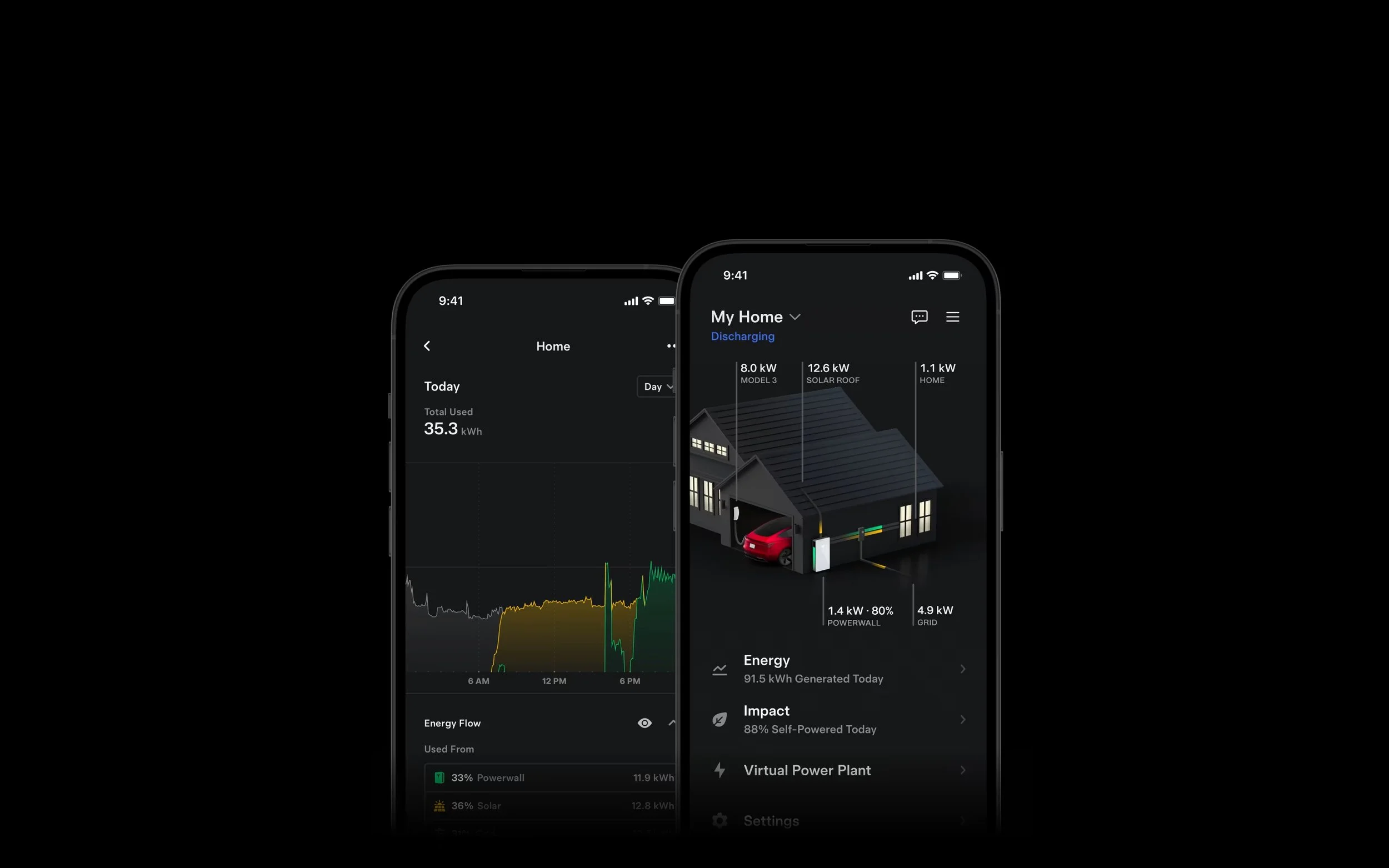
Once the system is on, you’ll be able to monitor your production and performance using your Tesla monitoring app. Please note that Sunlink only monitors your panels for the first 24 hours to ensure everything powers up properly. After that, it’s up to you to keep an eye on your system's performance using the app.
Activation Instructions
Note that activation must be done during daylight hours
01
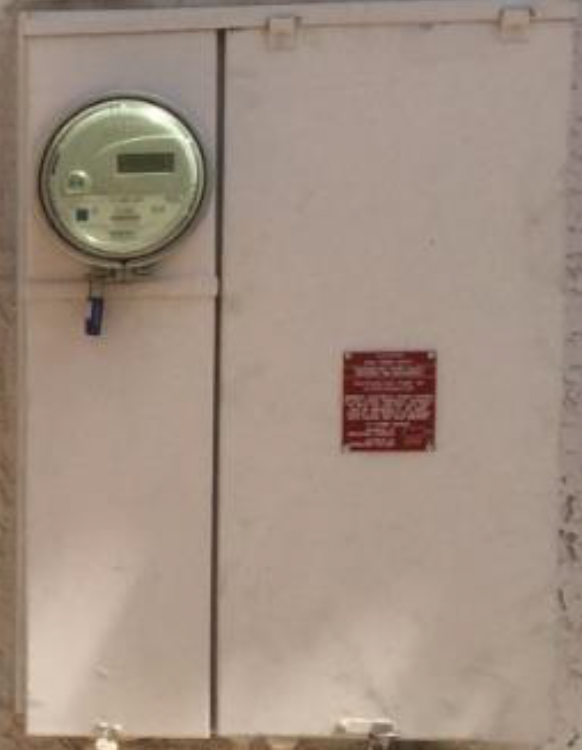
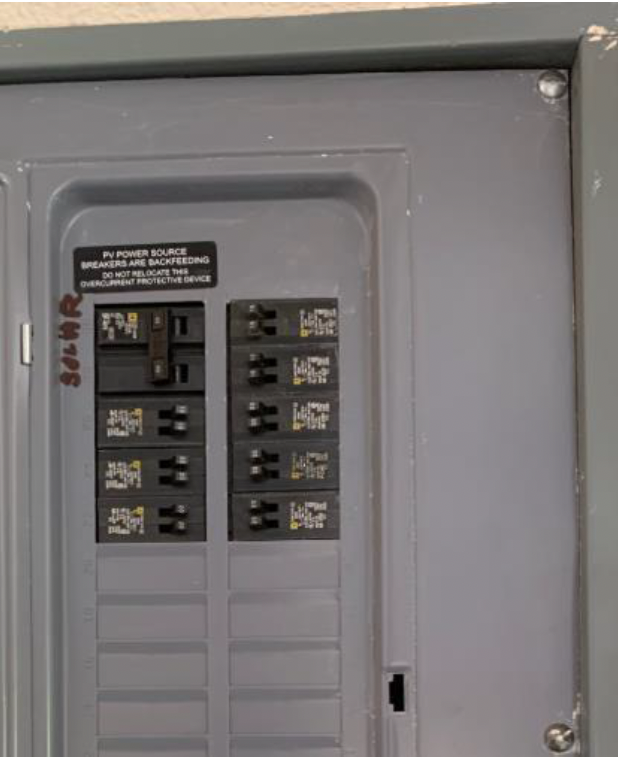
In your main service panel, turn your solar breaker into the ON position. (Skip this step if there is no solar breaker, common in TX)
02
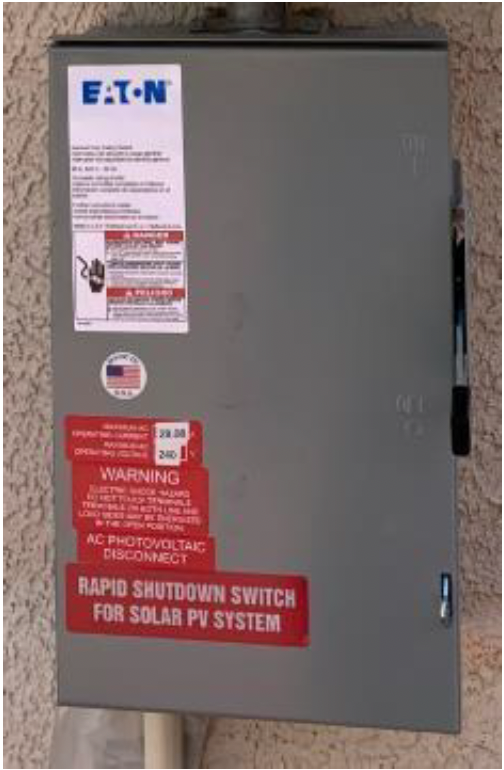
Find your AC Disconnect(s). This is a gray box with a black lever on the right and you may have more than one. Raise the lever(s) into the ON position.
03
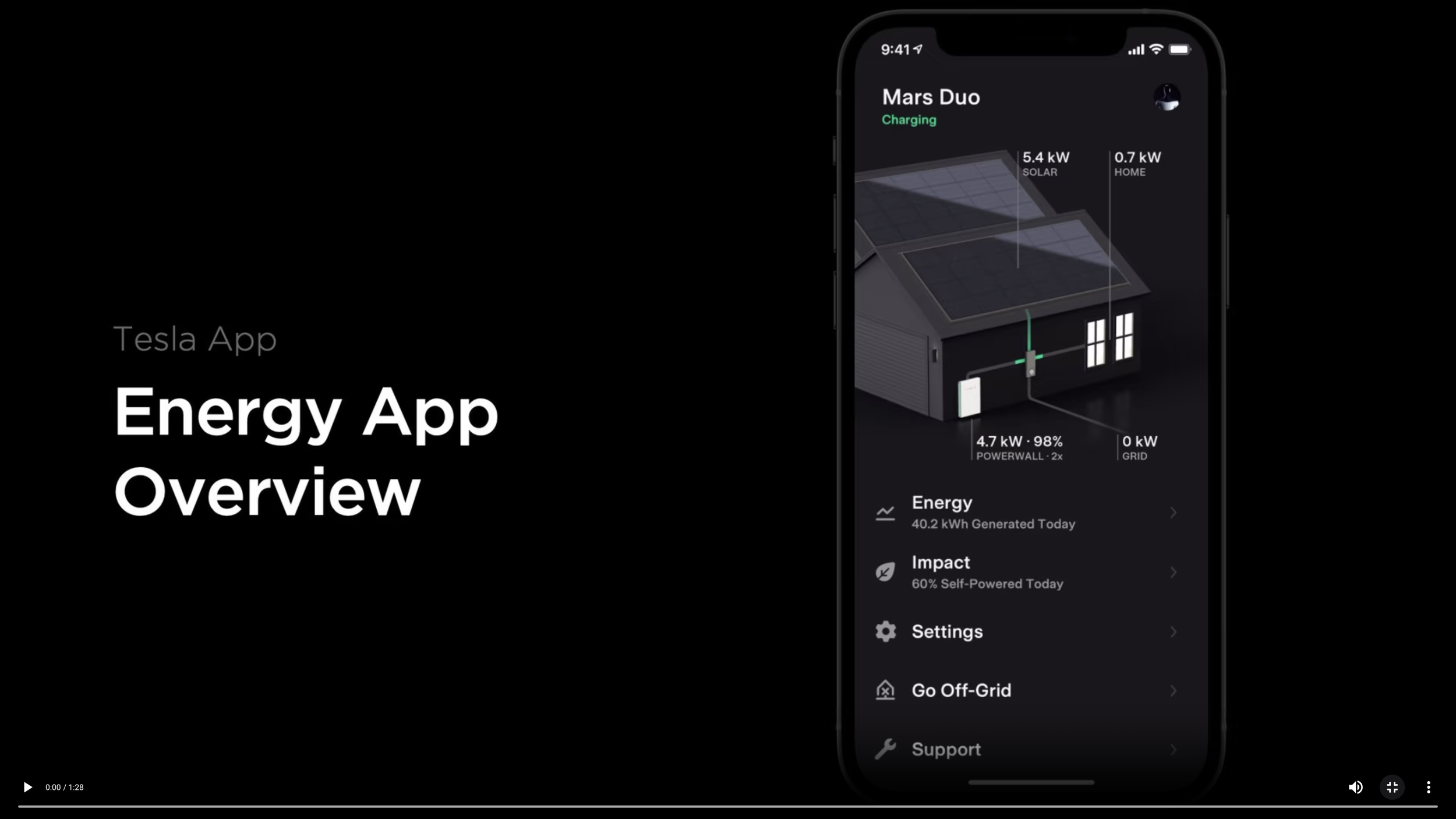
Tesla Monitoring App Tutorial
The Tesla app Energy screen lets you quickly see your solar production, your home’s usage, and your Powerwall charge. You can track where your power is coming from and going, and adjust settings to prioritize backup power or reduce grid use.
If you experience issues logging in or accessing your Tesla account, please call Tesla support directly at (877) 798-3752.
For iPhone users:
Open the App Store and search for "Tesla".
Select the official Tesla app by Tesla, Inc.
Tap Get and install the app.
Once installed, tap Open.
Log in using your Tesla credentials to access your solar data.
For Android users:
Open the Google Play Store and search for "Tesla".
Select the official Tesla app by Tesla, Inc.
Tap Install.
Once installed, tap Open.
Log in using your Tesla credentials to access your solar data.
Action Needed:
Here’s a quick checklist to help you get started
1
2
3
4
5
Keep your contract handy: You’ll need it for your CPA when filing taxes for incentives.
Call your home insurance provider: Let them know solar has been installed and confirm coverage.
Check your monitoring app: You should receive access within 2–5 business days. Please check your inbox (and spam folder). Contact us if it doesn't arrive and we’ll help you set it up.
Clean your panels periodically: Use a professional service or follow manufacturer guidelines if doing it yourself. Contact us if you’d like those instructions.
Let us know how we did – We'd love your feedback! Click a link below to leave a review:
→ Google
→ EnergySage